Claims to suppliers or customers
Describe the problem (a delayed delivery, an incorrect charge, a service not rendered) and get a formal claim ready to send, with the right tone and arguments.
 CLOUD
Describe what you need. Receive a complete document.
Create letters, reports, claims and contracts from simple instructions.
Write more easily when you know the goal but need a first draft.
Describe the problem (a delayed delivery, an incorrect charge, a service not rendered) and get a formal claim ready to send, with the right tone and arguments.
Generate welcome letters, notices of changes to terms, or business communications without starting from a blank template every time.
From a few notes or key points, get a professionally written and structured report or meeting minutes.
Describe the agreed terms (parties, subject, deadlines, amounts) and get a first contract draft that you can then review and adjust.
From instructions to a document you can review and download.
Specify the document type, purpose and important data.
Adjust the style to the recipient and context.
The tool drafts the text and organises its structure.
Check content and export it in the format you need.
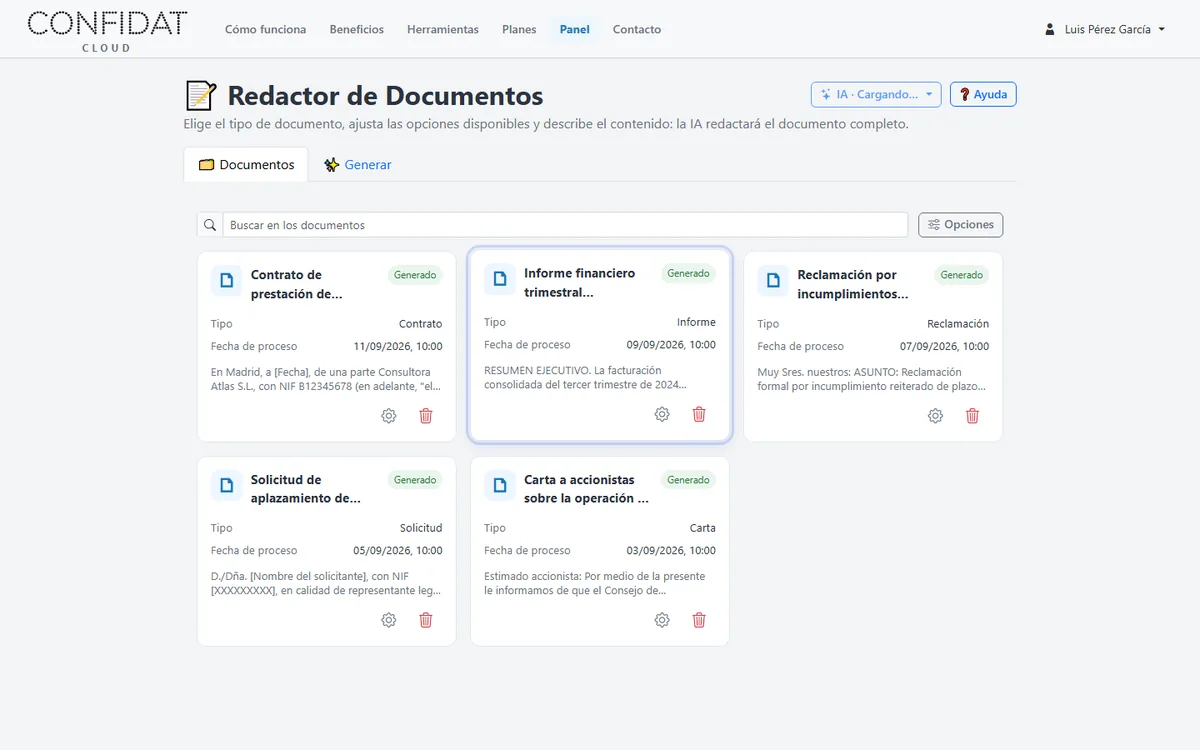
Tool screenshots with demonstration data.
Screenshots show the Spanish interface with demonstration data.
The Documents tab brings together demonstration letters, reports and other texts.
Demonstration sessionThe preview lets you check wording and structure before exporting.
Demonstration session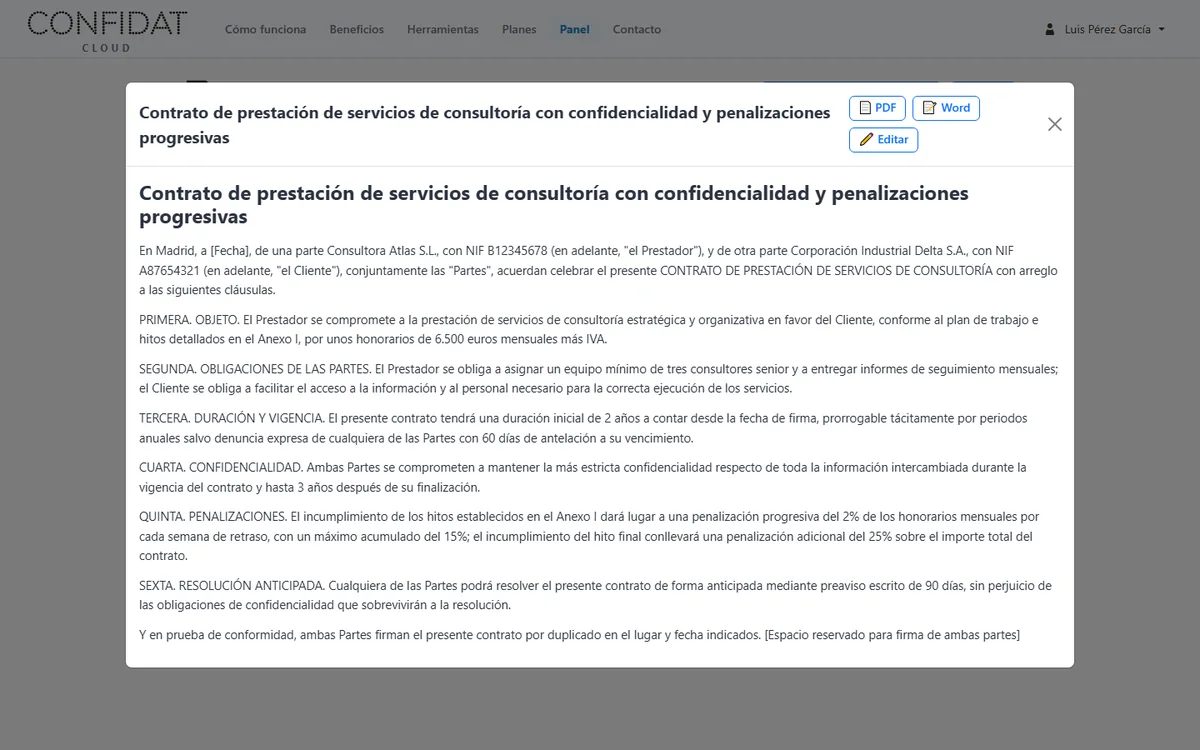
Review generated content, adjust details and download a professionally presented result.
Practical information before you start.
Letters, reports, claims, contracts and other complete documents based on your instructions.
The generated document can be downloaded as PDF or Word.
No, just provide the instructions and AI writes the complete document.
Yes. The AI button lets you select the model and reasoning effort. If you do not want to choose, keep the recommended option.
They indicate its relative price level: one symbol identifies the most economical models and five the highest-cost models. They do not represent a fixed number of credits; final usage depends on the work performed.
Yes. The last valid selection is stored for Document Writer in that browser and computer.
Yes. The document opens in a detail window where you can edit its title and content before downloading it.
Not necessarily. An economical model may be enough for simple documents; more advanced models or higher effort can be useful for complex work.
Yes. In the Documents tab, each document's parameters button shows the type, options and instructions used for that generation.
Yes. From the parameters popup, click "New": those same settings load into the Generate tab, you can edit them, and generate a different document without changing the original.
Documents created before this feature did not store that data, so the parameters button only appears disabled for those cases.
The Documents tab opens by default and shows cards. You can search for any text in a record and use Options to group, sort and choose visible fields. The configuration is kept in that browser.
Click its card to open the detail, edit it or download it. The gear shows generation parameters and the bin asks for confirmation before deleting it.
Create letters, reports, claims and contracts from simple instructions.